Download the macOS version today for free!

Discover and manage your network servers effortlessly with a lightweight, high-performance macOS menu bar app designed for speed and simplicity. The app automatically detects your local subnet or lets you specify a custom subnet to scan, quickly identifying devices with SSH (port 22) open. It also scans Bonjour/mDNS to match hostnames with IP addresses, giving you clear identification for every server on your network. All detected servers appear in a live dropdown from the menu bar, so you can access them instantly with a single click.
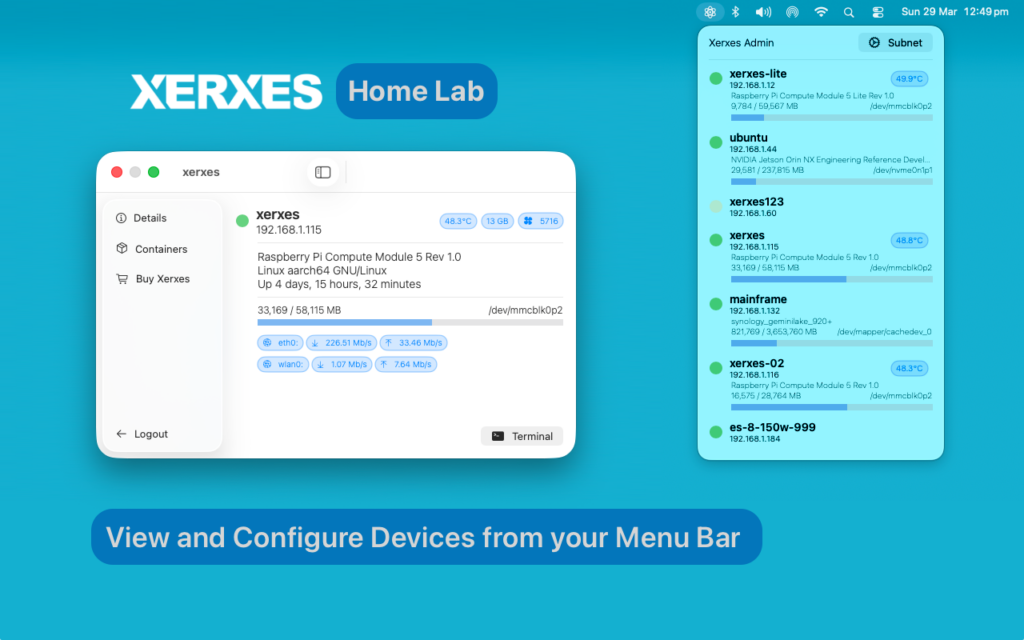
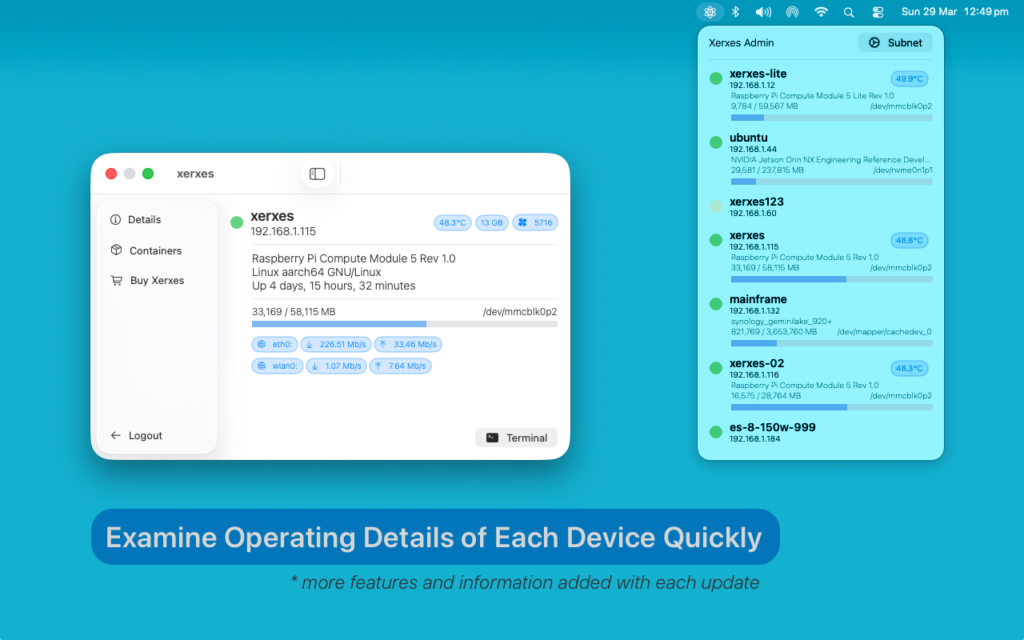
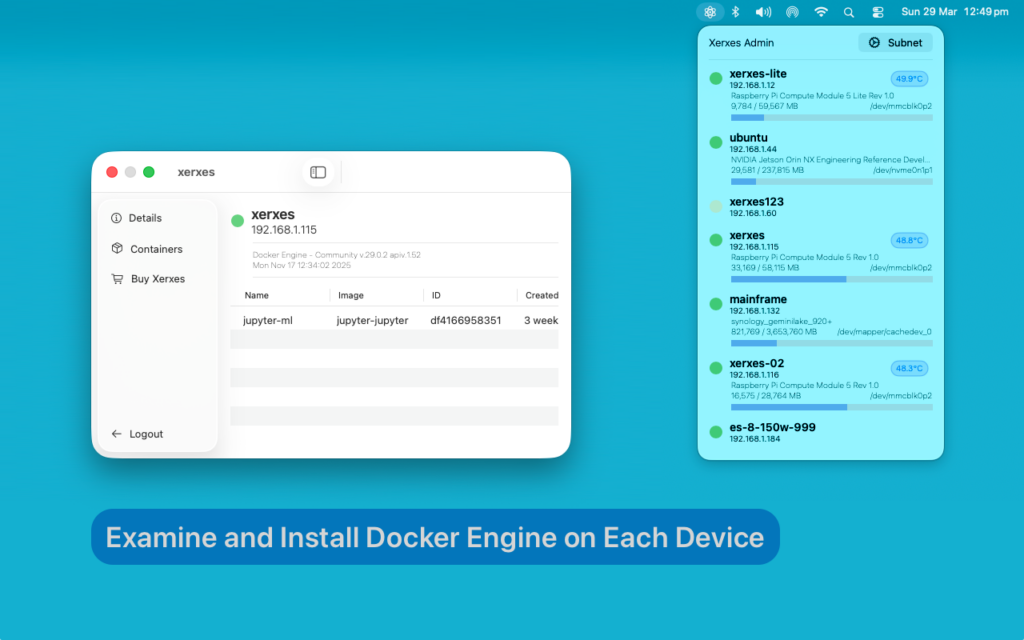
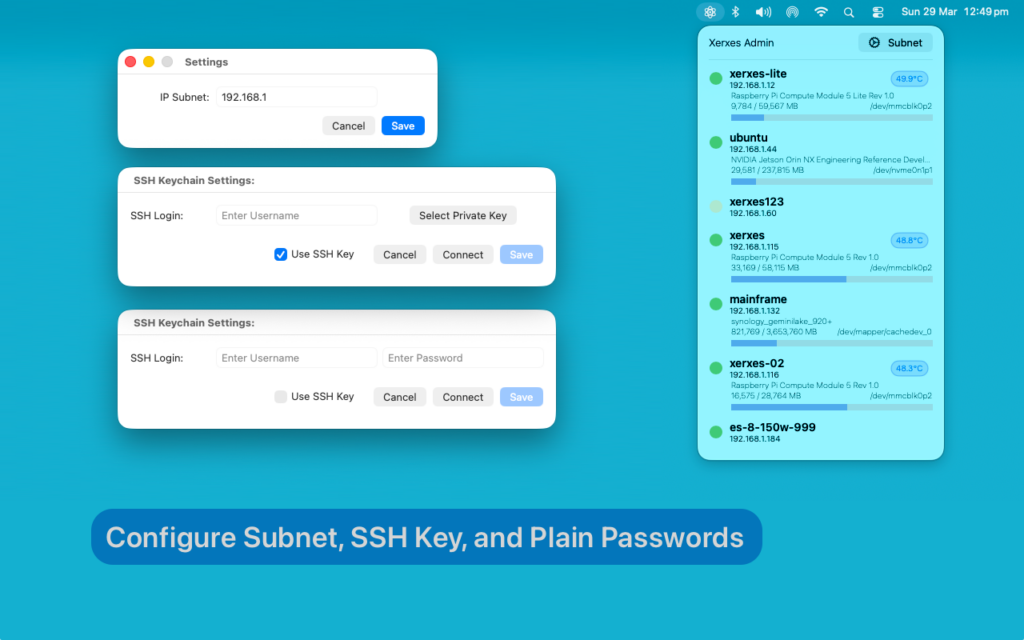
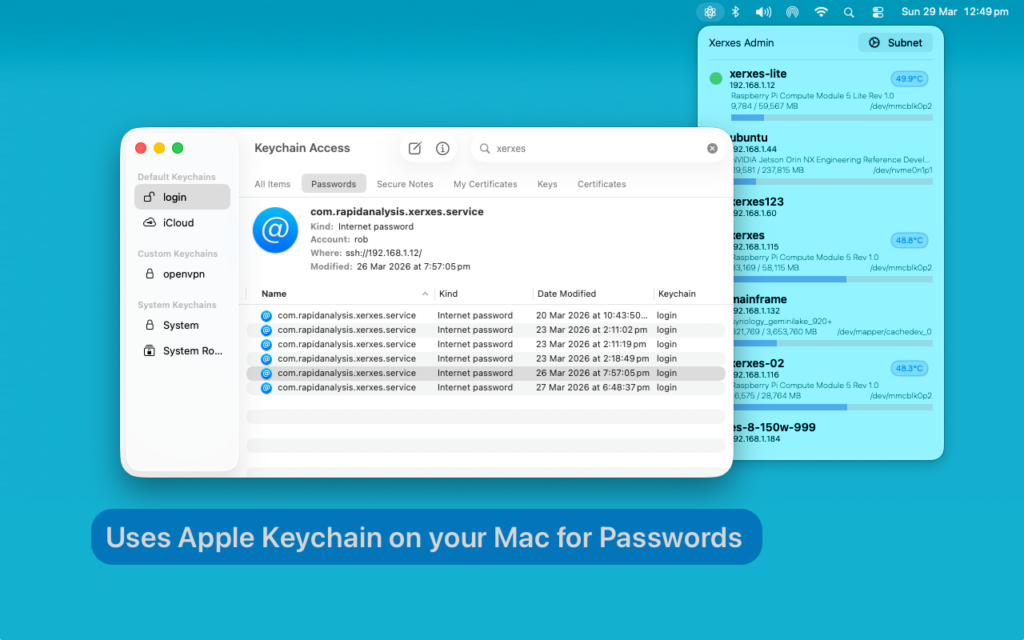
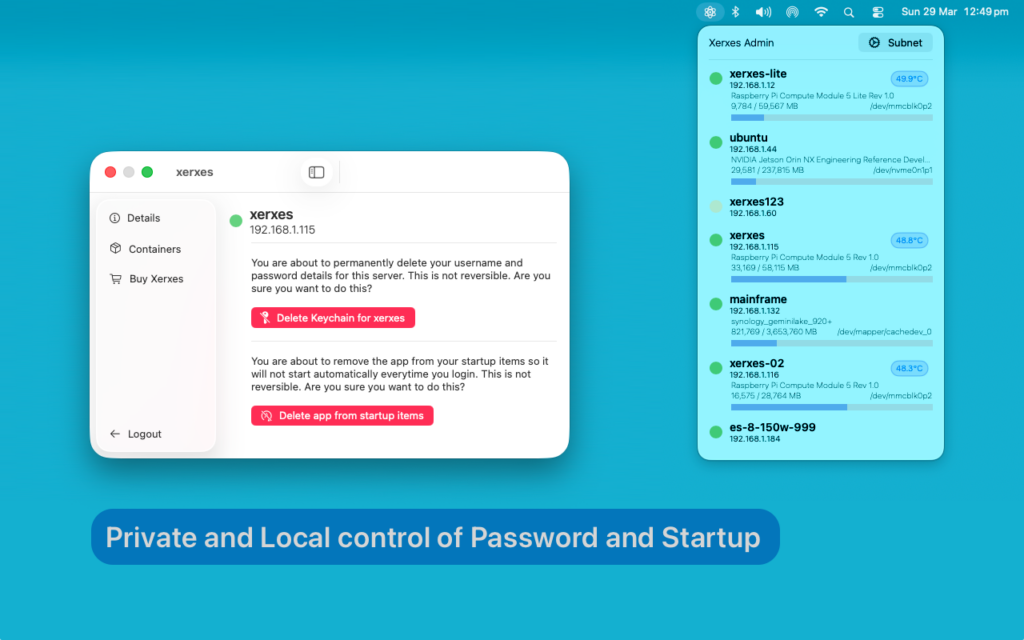
Clicking on a server opens a detailed view with multiple tabs. The Information tab shows critical system stats including fan speed, RAM usage, and hard drive space. The Docker tab displays all Docker Engine containers, their status, and even allows you to install Docker Engine directly from the app. A Security tab lets you manage your keychain safely, delete SSH key files, and log out when needed. Login is seamless and secure using Apple Keychain, while all SSH communication is handled via Apple NIO for fast, asynchronous, and reliable connections.
Designed to be fast, lightweight, and non-intrusive, the app sits quietly in your menu bar until needed. It is ideal for developers, IT professionals, or anyone managing multiple servers, providing an intuitive interface for monitoring and interacting with devices on your network. With quick discovery, detailed insights, and built-in Docker management, this app streamlines your workflow and saves time, whether for home labs, office networks, or professional IT environments.
Requirements
Requirements include macOS 14.6 or later, access to the local network or VPN for scanning, and Apple Keychain for secure authentication. Take control of your network, monitor servers, manage Docker containers, and connect via SSH effortlessly, all from your Mac menu bar.